

Summarize Any Web Page with AI
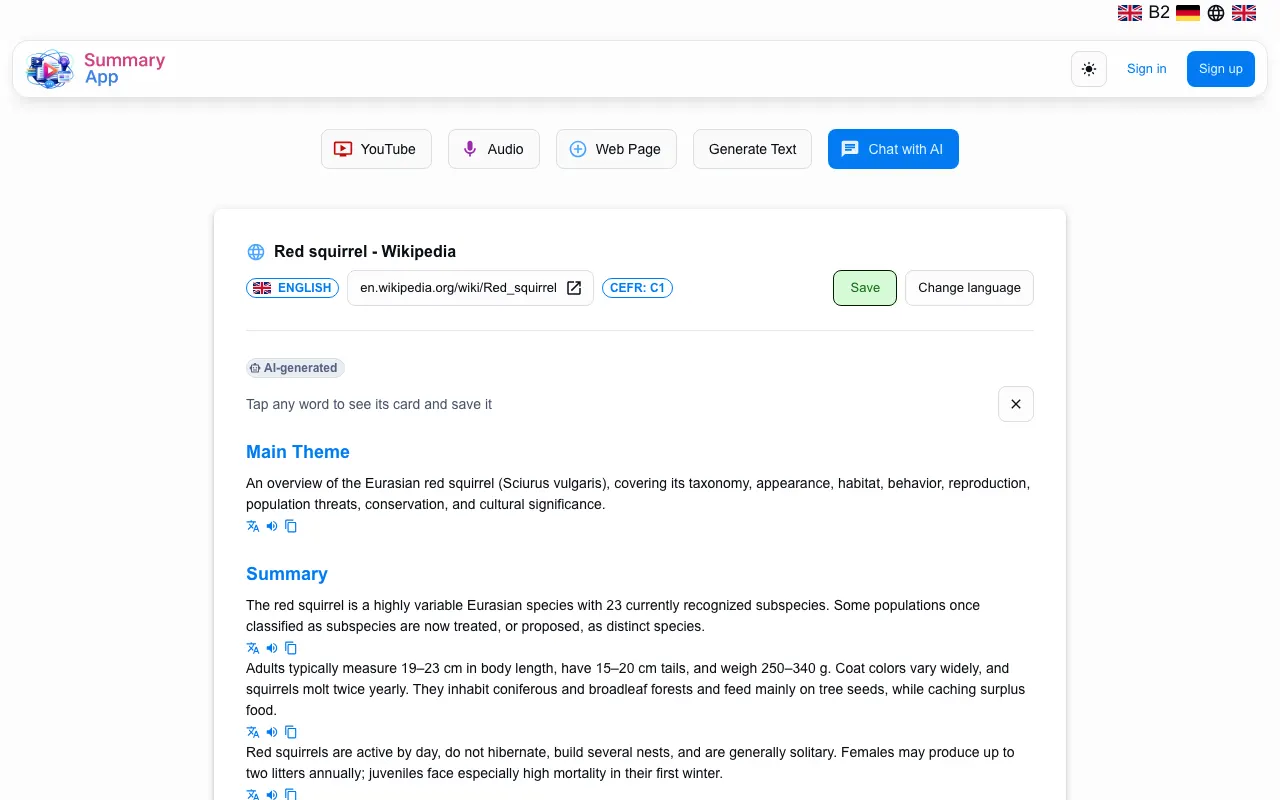
Drop the URL of an article or blog post and get an AI summary, then read the page with tap-to-translate words in the language you are learning.
Try it now
How it works
- 1
Paste a URL
Copy the address of a public article or blog post.
- 2
Get the summary
The page text is extracted and summarized automatically.
- 3
Read and learn
Tap any word for its translation and save the ones you want to practise.
Frequently asked questions
Public pages with readable text, such as news articles and blog posts; pages behind a login or a paywall cannot be read.
Summarizing a page needs a free account; new accounts start with trial stars.
Yes. Every page you summarize is kept in your materials library, so you can come back to it later.
Start learning from real content
Create a free account to save summaries, words and conversations and practise them later.
Start free — no card required.